Skip to content
Choir of the Associazione Culturale Musicale Roma Musicanta · Member of ARCL and FeniarcoMembers’ areaITEN

Coro Harmonia Vocalis, concert season 26 27

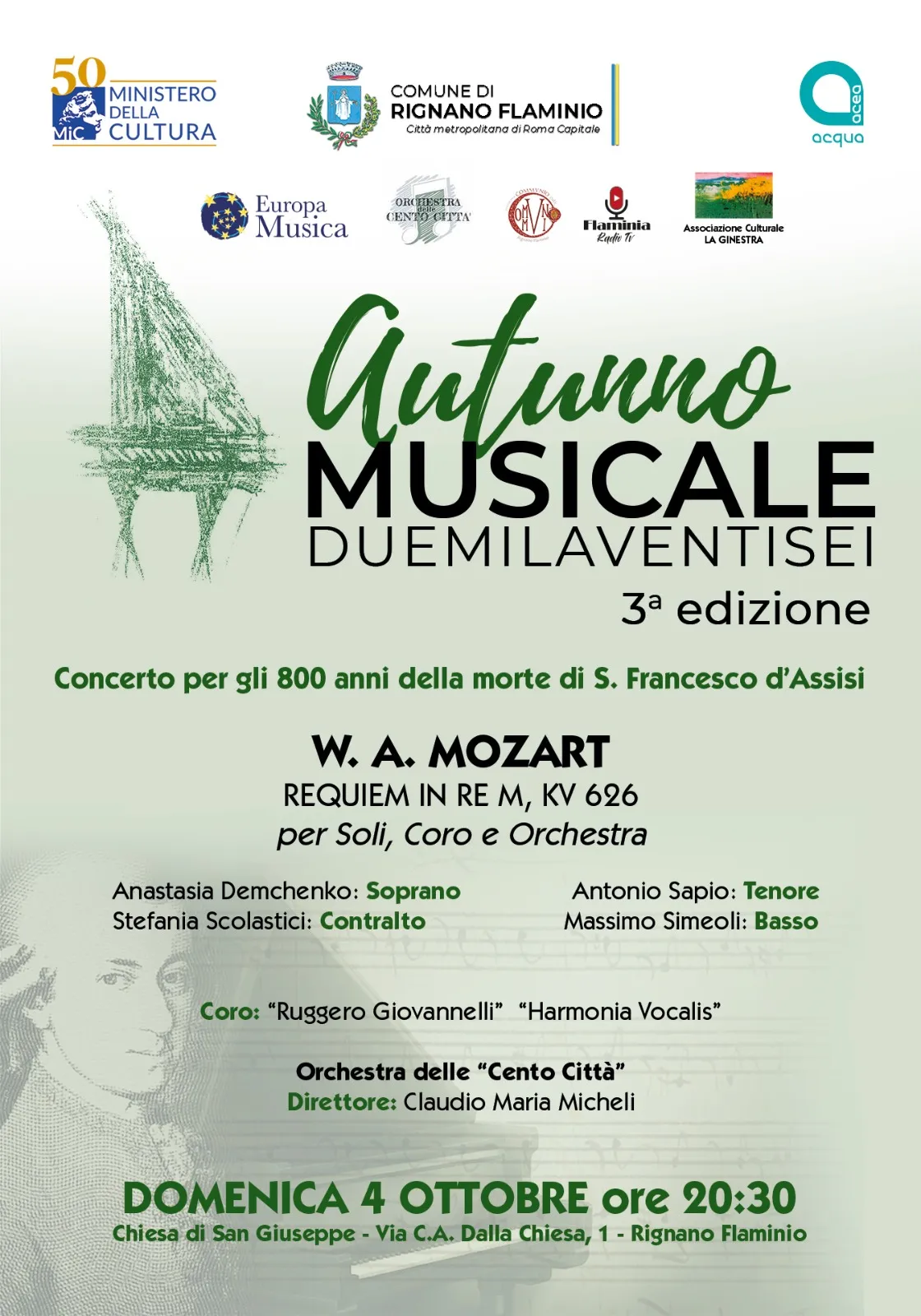
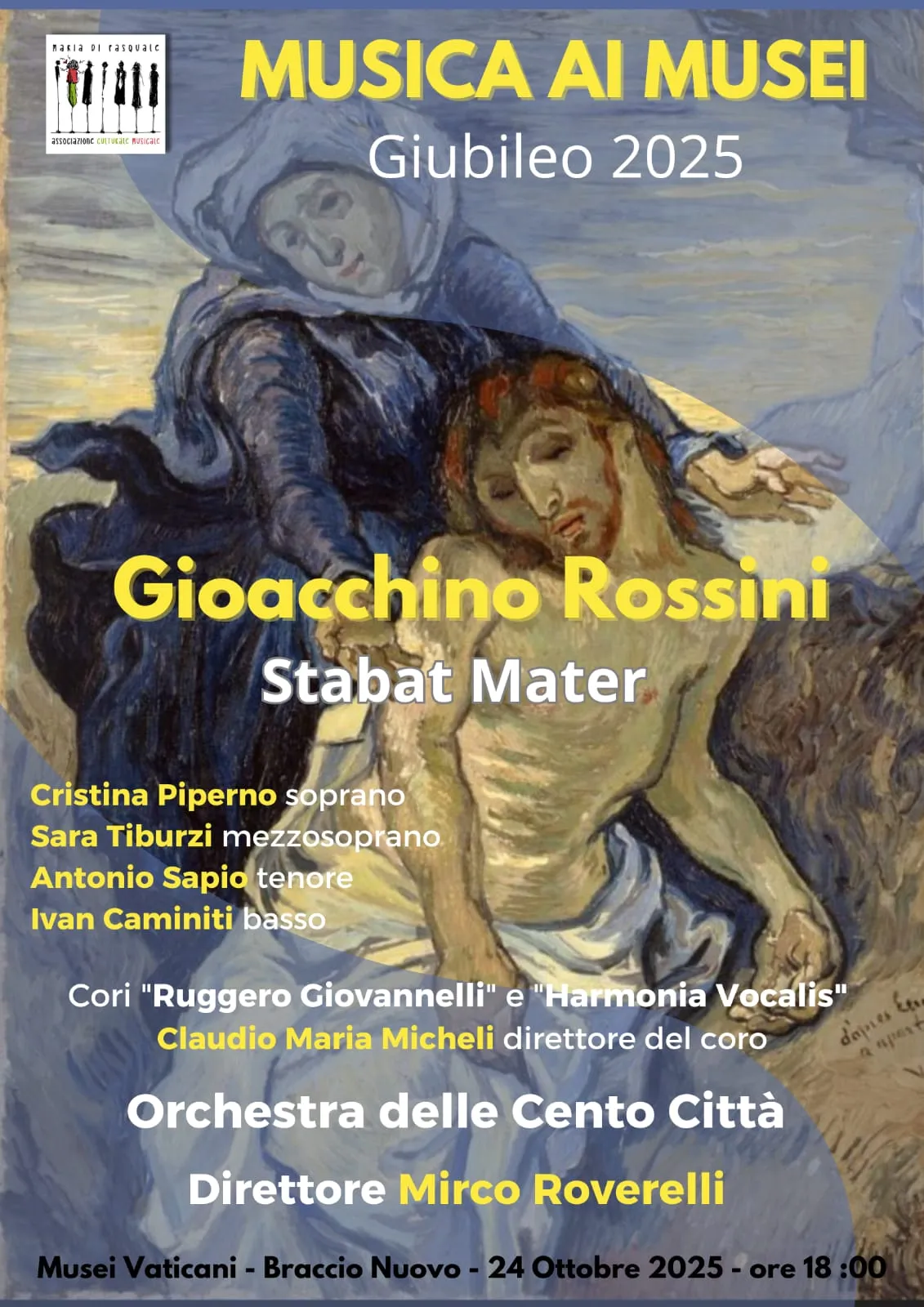
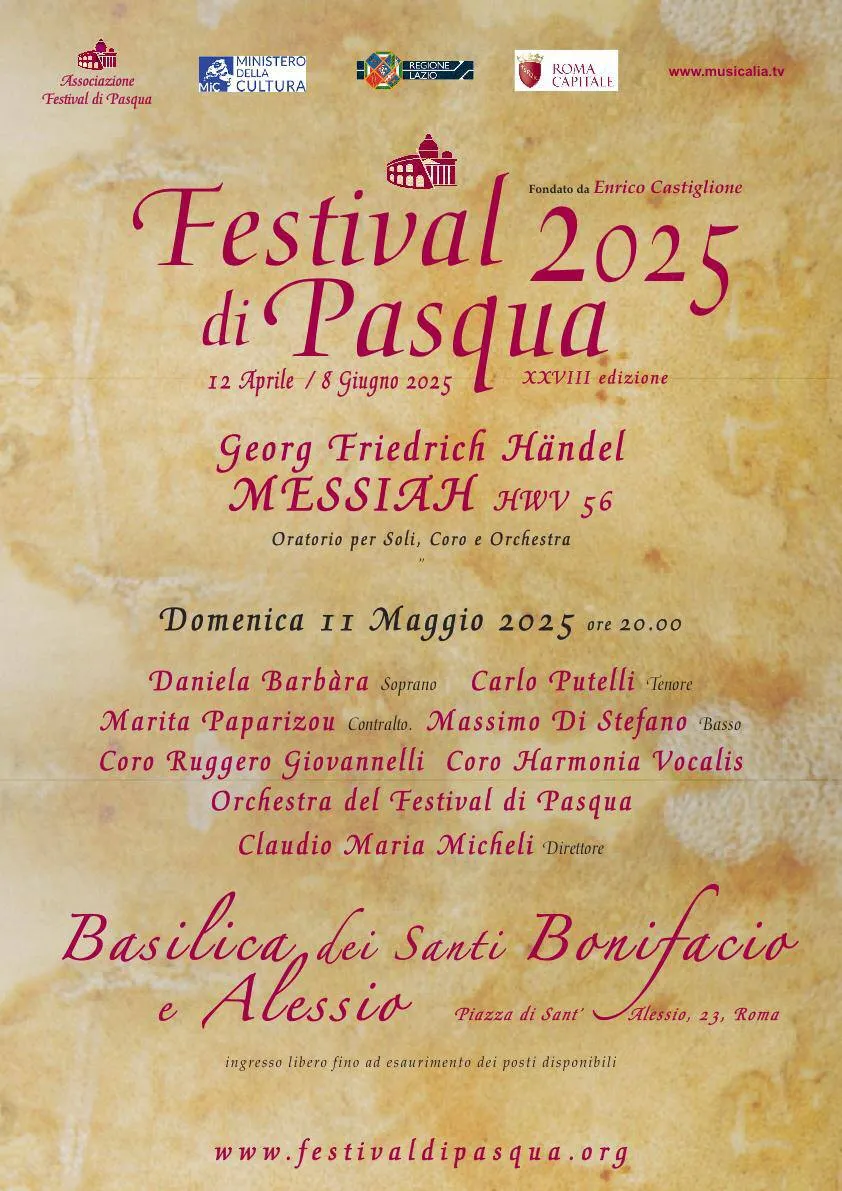
It opened with Mozart's Requiem, and we will soon be back with a concert dedicated to Ennio Morricone. Masses, oratorios and great choral works with orchestra, in Rome and across Lazio.
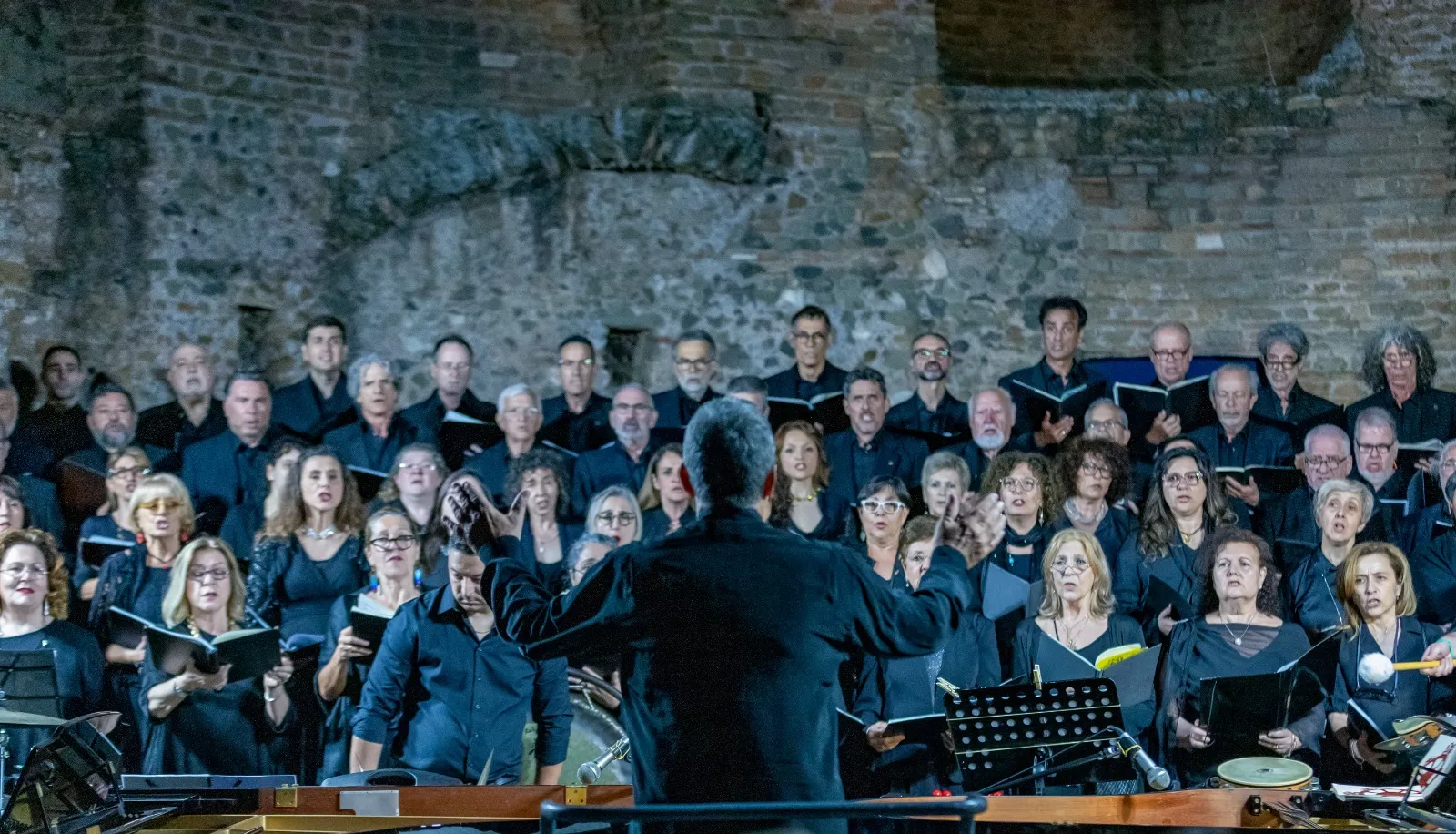
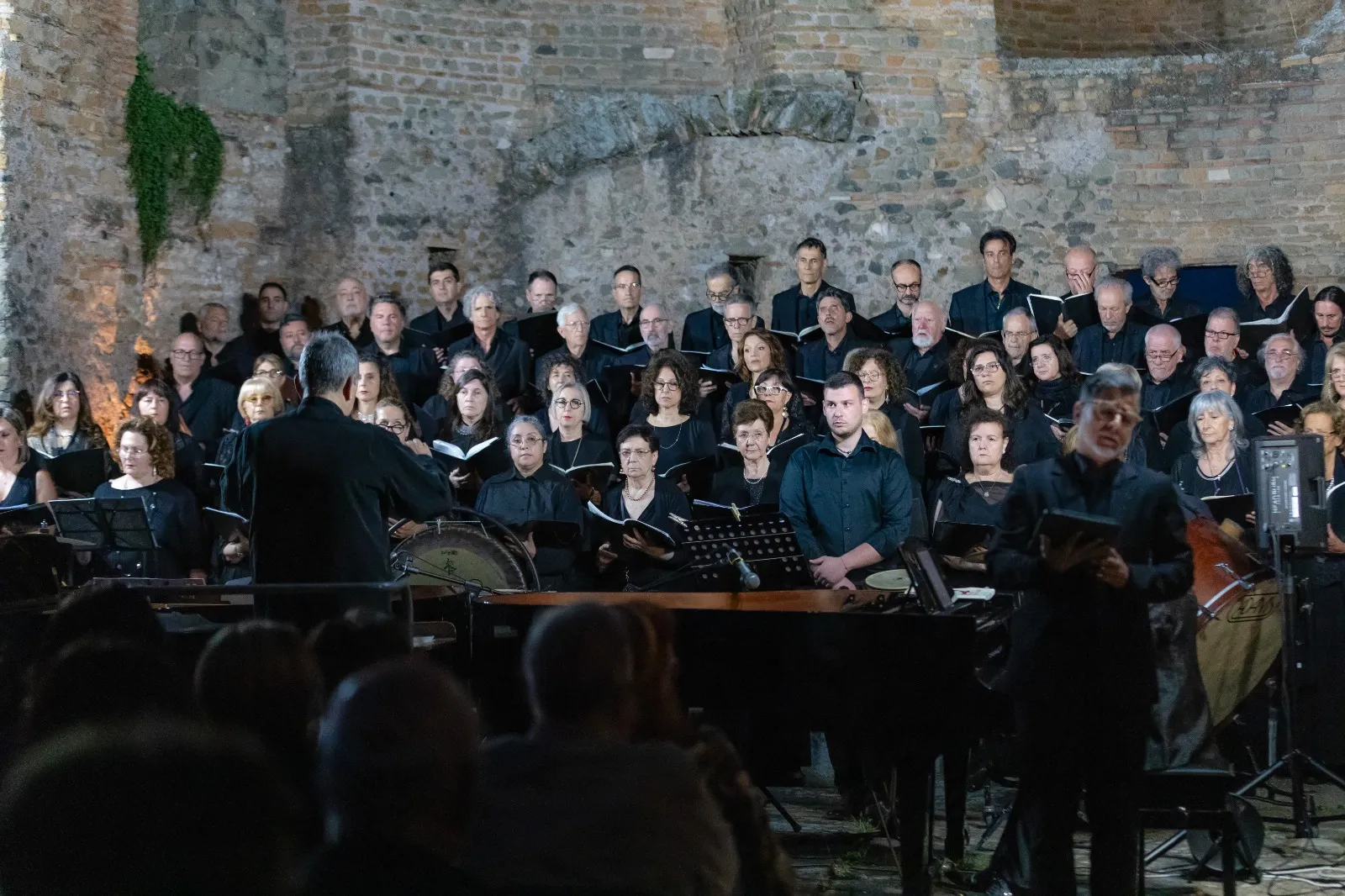
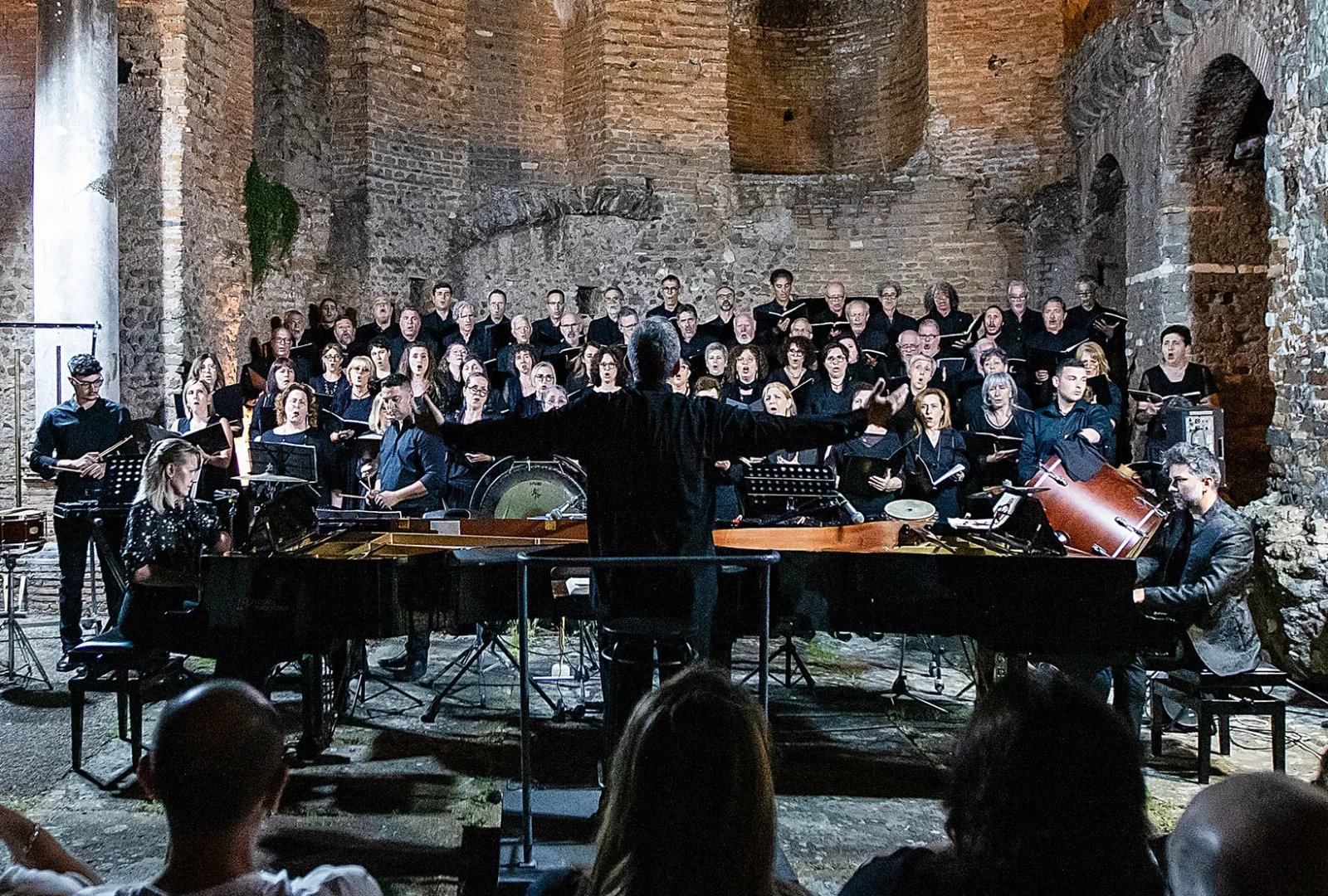
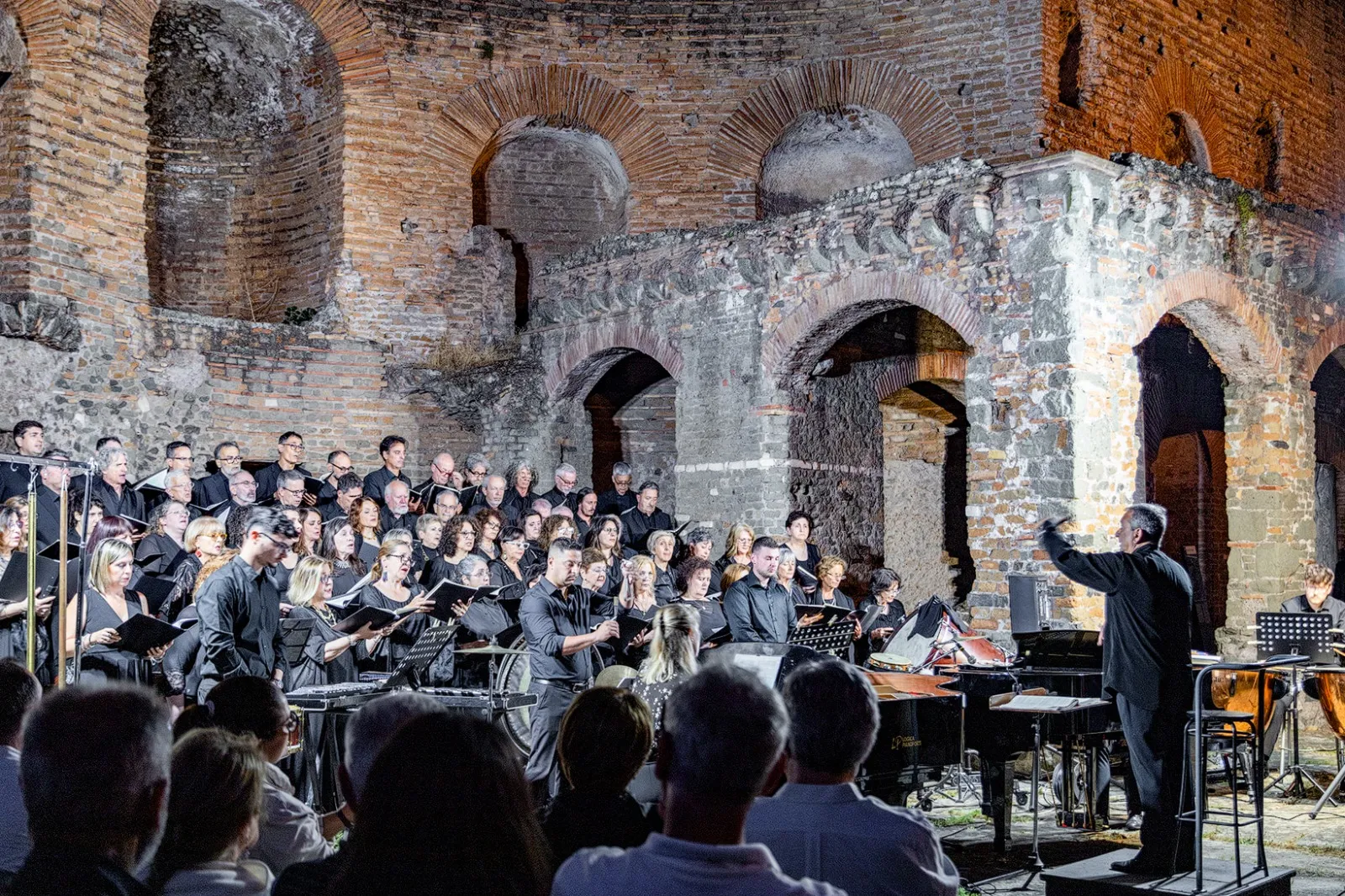
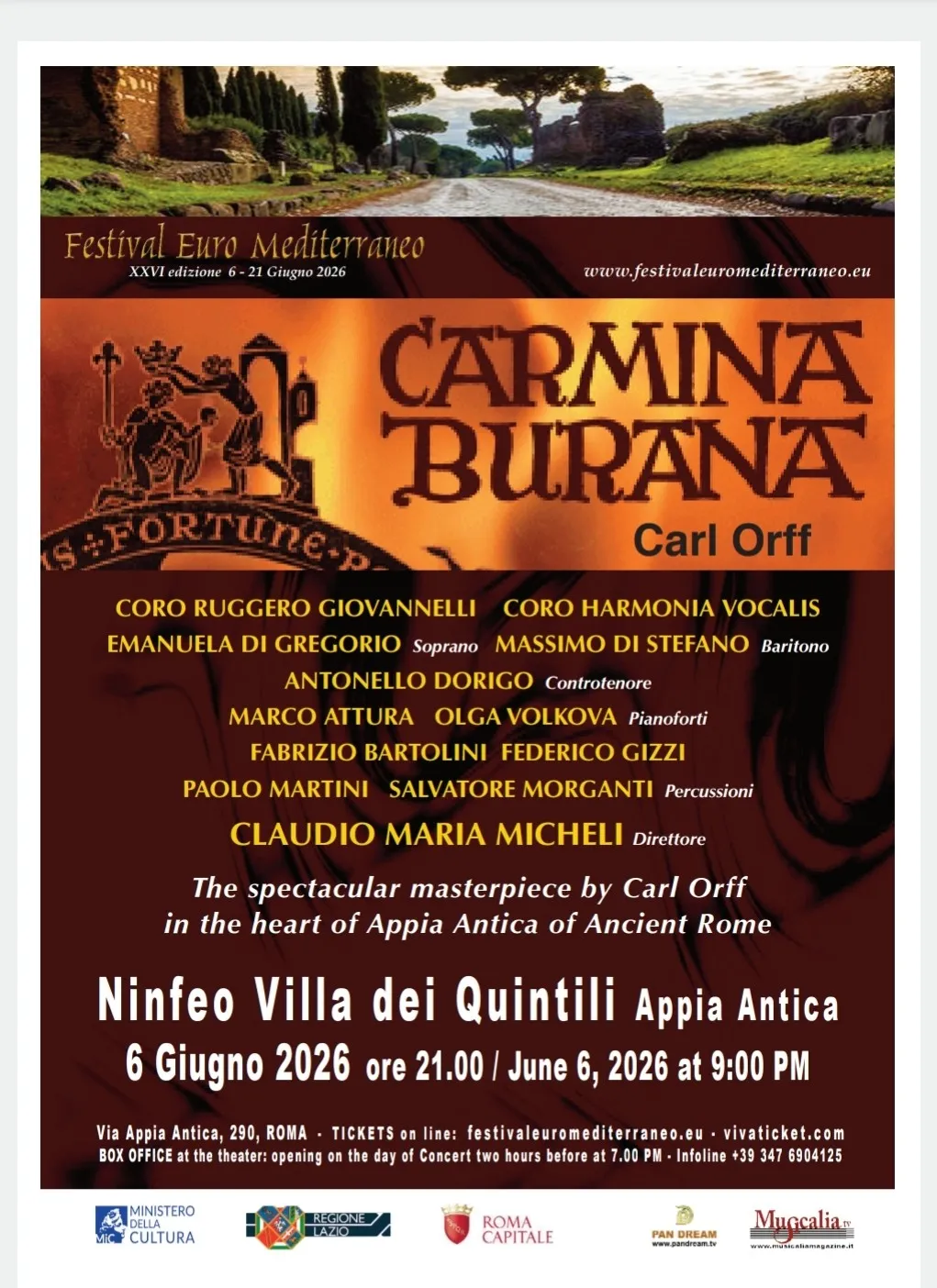
Photo from the concert: Orff, Carmina Burana

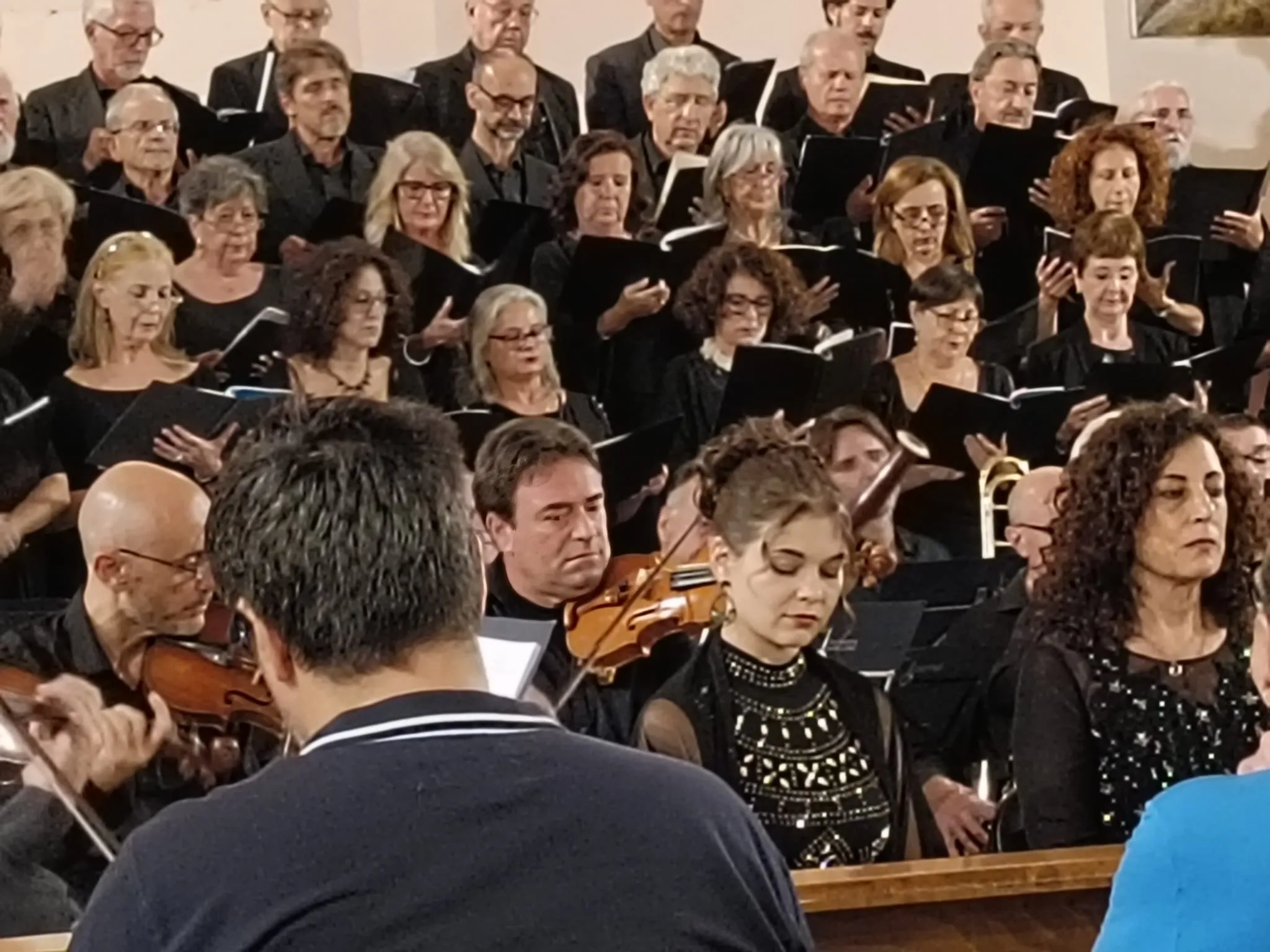
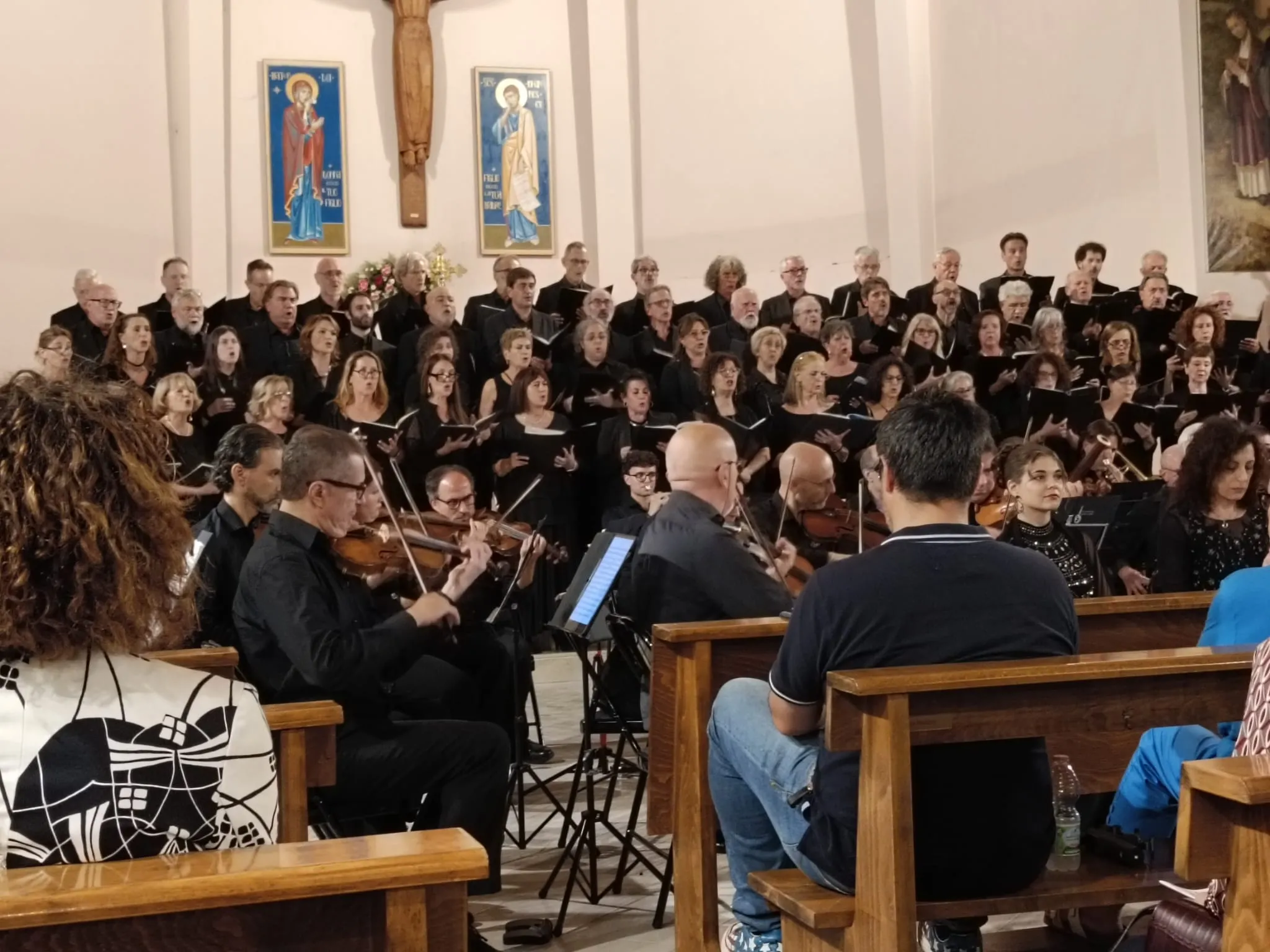
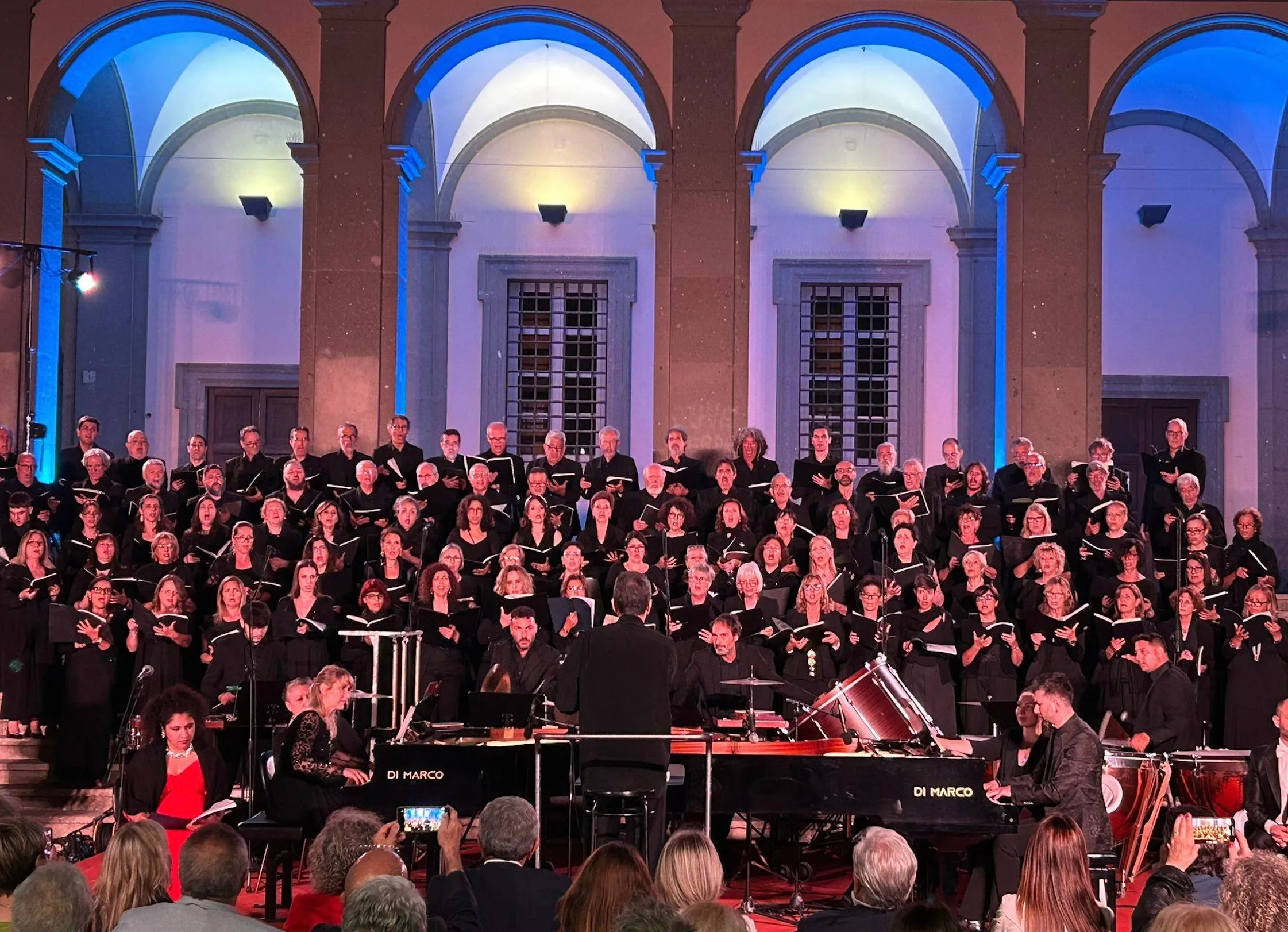
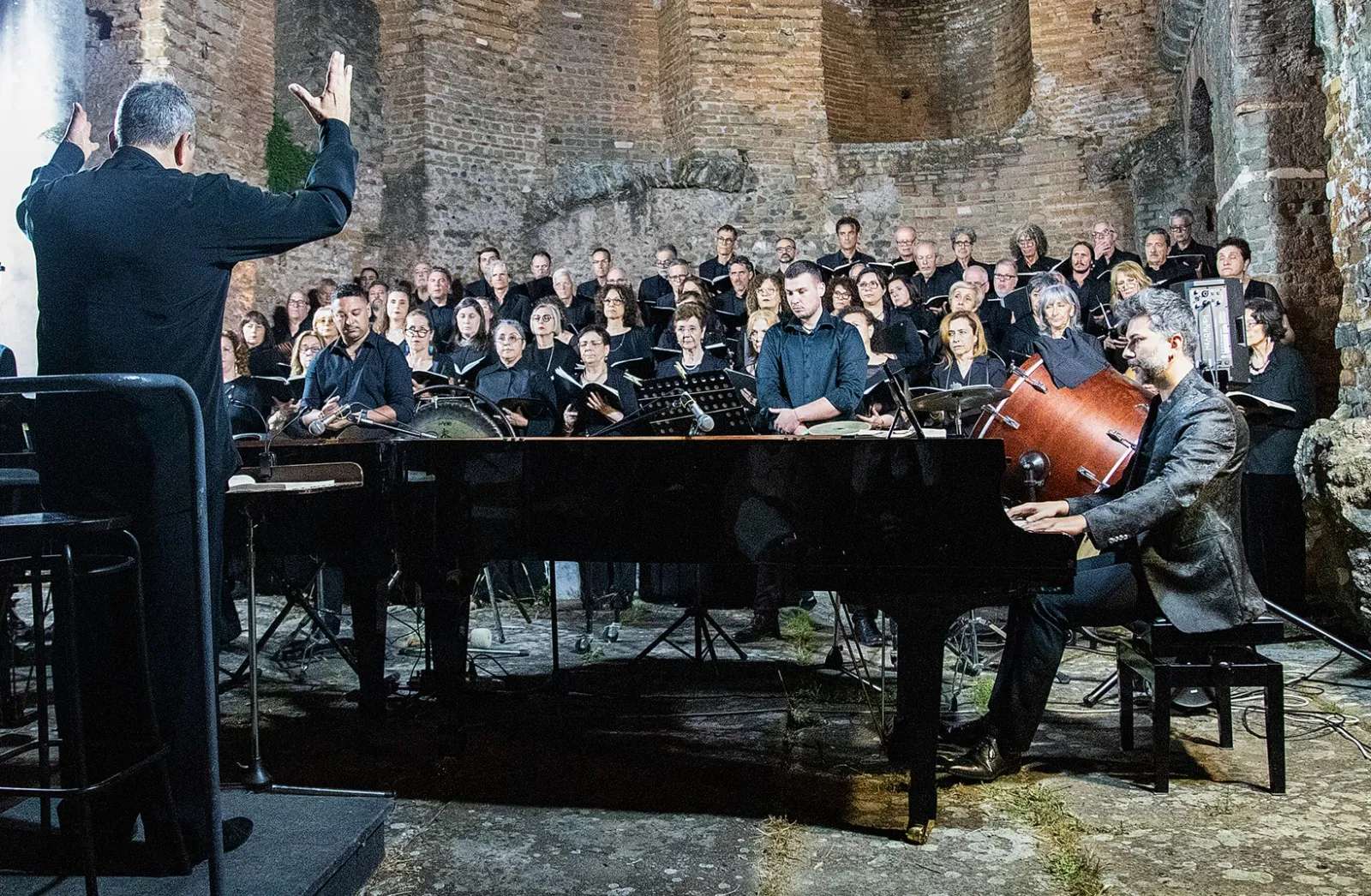
Our latest concert in photos

All photos

Mozart, Requiem in D minor, K. 626 · 4 October 2026 · Rignano Flaminio (RM) · 15 photos

Listen to our concerts

Live recordings, with orchestra and soloists. An archive that grows every season.

All recordings

The video loads from YouTube (without cookies) only when you press play.

For organisers

A concert series, a patronal feast, a Christmas concert?

We perform masses, oratorios and polyphony, also with orchestra: 44 voices with a ready repertoire.

Repertoire and contacts

Add our concerts to your calendar

You subscribe once and that’s it: new concerts, and any change of time or venue, appear in your calendar by themselves. No account to create, nothing to download.

Choose the app you normally use:

iPhone, iPad or Mac CalendarRecommended for this deviceAdd to Apple Calendar
  1. Tap the button above.
  2. A message asks Subscribe to “Concerti Harmonia Vocalis”?: tap Subscribe.
  3. If another screen opens, tap Add or Done at the top right. That’s it: you will find the concerts in the Calendar app, in a calendar called Concerti Harmonia Vocalis.
  4. On a Mac the Calendar app opens: click Subscribe, under Location choose iCloud (so you also see it on your iPhone) and click OK.

Nothing happens? Use “Other app” below: copy the address and paste it in Settings → Apps → Calendar → Calendar Accounts → Add Account → Other → Add Subscribed Calendar.

Google Calendar (also on Android phones)Recommended for this deviceAdd to Google Calendar
  1. Tap the button above: Google Calendar opens in the browser.
  2. If asked, sign in with your Google account (the one you use for Gmail).
  3. A box asks whether to add the calendar: click Add. That’s it: the calendar is called Concerti Harmonia Vocalis.
  4. On an Android phone it also appears in the Google Calendar app. If you don’t see it, open the menu ☰ at the top left, scroll down and tick Concerti Harmonia Vocalis.
Outlook (Hotmail, Outlook.com, Microsoft 365)Recommended for this deviceAdd to Outlook
  1. Tap the button above: Outlook opens in the browser.
  2. If asked, sign in with your Microsoft account (Hotmail, Outlook.com, Live).
  3. The calendar address is already filled in: click Import. That’s it.
  4. In the Outlook app on your phone it appears by itself after a few minutes.

Work or school account? Use this link instead.

Another app (Thunderbird, Proton, Fastmail…)
  1. Press Copy the address.
  2. In your calendar app look for an option like New calendar, Subscribe, From the internet or From URL.
  3. Paste the address and confirm.

Always choose subscribe (or from URL), never import file: an imported file is a snapshot of today and never updates.

Good to know

  • Changes arrive by themselves, sometimes a few hours late (Google Calendar can take up to a day).
  • You can only view the calendar: nothing you do can change the concerts.
  • To remove it, delete it from your app like any other calendar.